Booking history
You can access the list of bookings already made via the tools in the “Extras” menu tab. The booking history provides an overview of all bookings already made, filtered by date, text or other criteria. It is also possible to display transactions from accounts that have already been deleted.
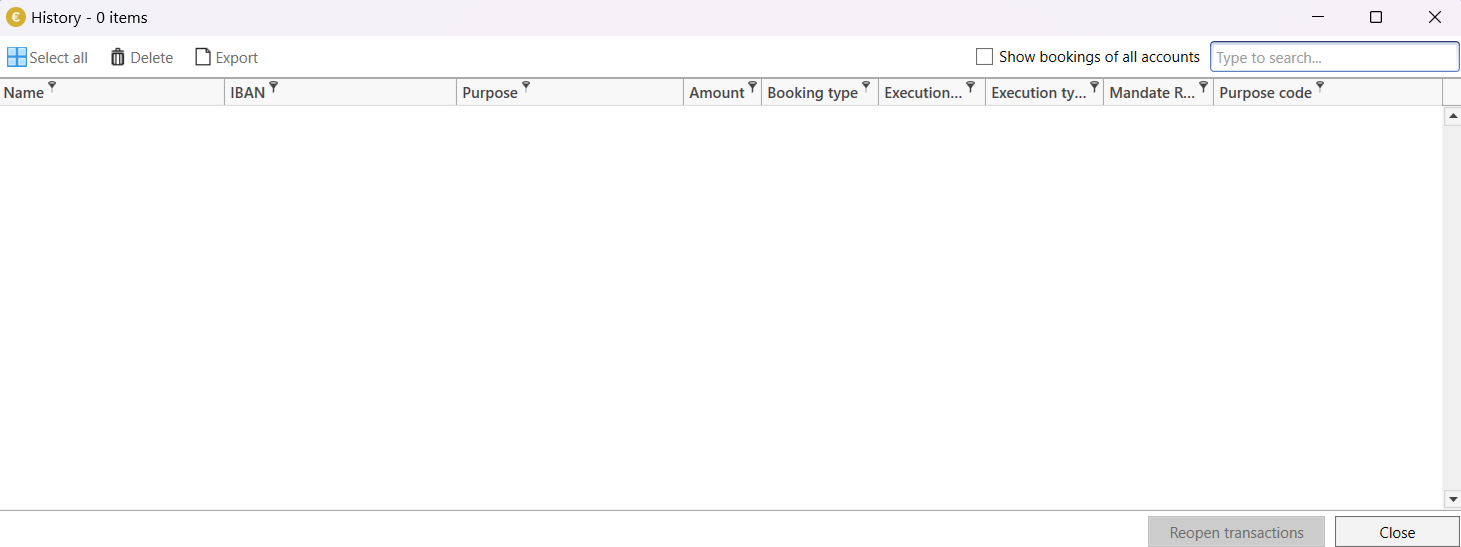
The dialog offers the following functions that can be applied to the selected lines:
- Select all
Selects all entries in the list.
- Delete
Permanently deletes the selected entries from the database.
- Export
Exports the selected entries in the list as an Excel (.xls, .xlsx), text (.txt) or CSV (.csv) file. If only one line is selected (default), all entries in the list are exported; if several lines are selected, these selected lines are exported.
- Show transactions of all accounts
If this option is activated, executed transactions for all accounts created in SEPA Transfer are listed. This also includes accounts that have already been deleted.