Advanced
This menu item contains settings for experienced users.
Note
Some features in this section are only available in the Enterprise edition.
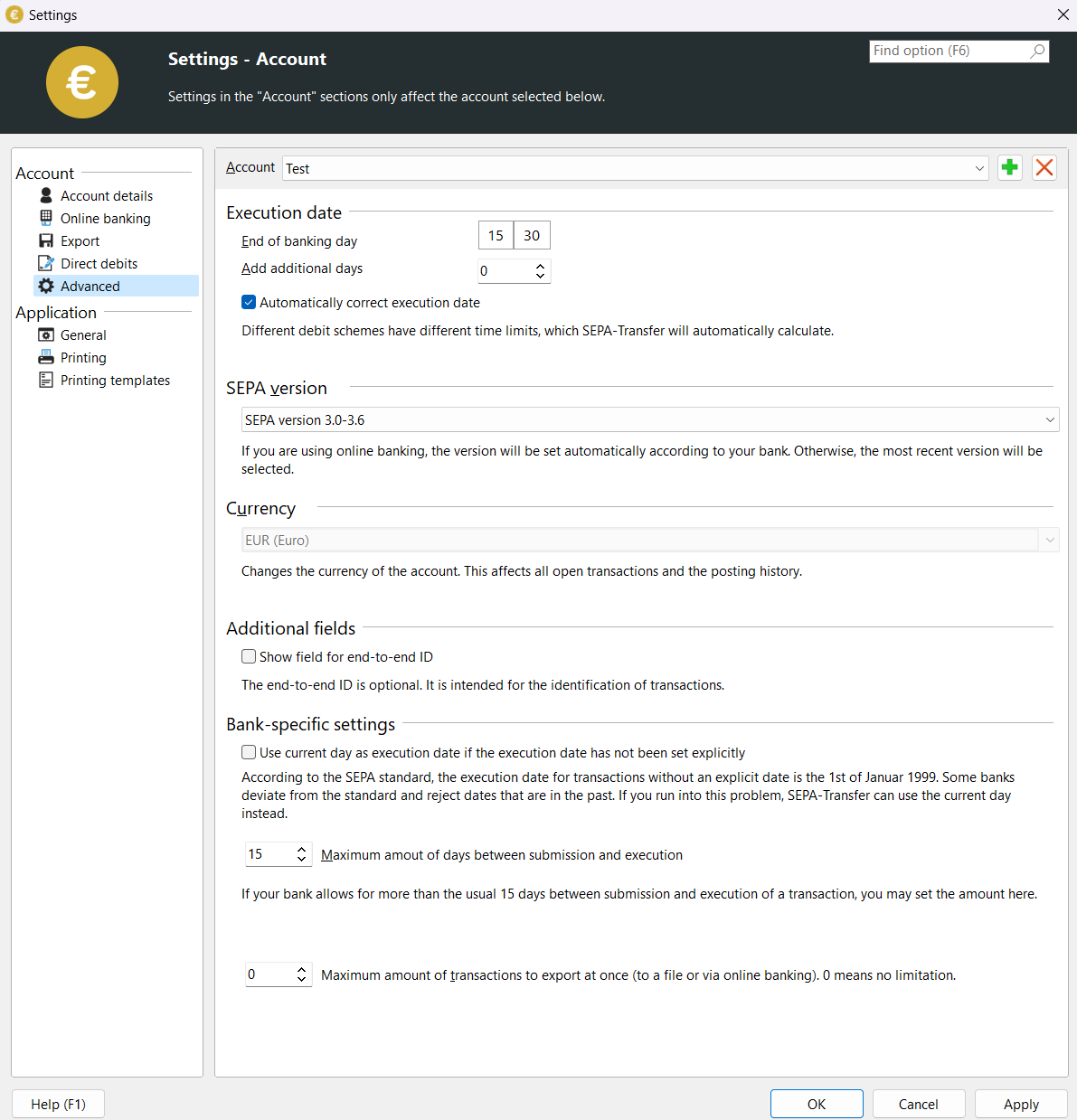
- Execution date
As different banks close at different times, you can set here how SEPA-Transfer should calculate the execution date for direct debits and scheduled credit transfers. If your bank expects different submission deadlines for direct debits or scheduled transfers, you can set this via “Additional days to be added”. The SEPA standard stipulates lead times for direct debits. Further information on lead times can be found in the Direct Debits chapter.
- The execution date of non-scheduled transfers is the current day
If your bank or another program with which you open the exported SEPA XML file indicates that the execution date is in the past, you can activate the setting “Execution date of non-scheduled credit transfers is the current day”. The SEPA standard stipulates that a credit transfer that is to be executed as quickly as possible should have the execution date 01.01.1999 in the SEPA XML file. However, as some banks or programs have problems with this, you can have the execution date of such transfers set to the current day in SEPA-Transfer. You should only make this setting if you have previously received corresponding messages from your bank or other programs.
- Maximum number of calendar days between the posting and execution date
The SEPA standard provides for a delivery window of 15 days. If your bank allows a longer posting window, you can set this value here in order to be able to send transactions to your bank that are to be executed further in the future. Please ask your bank about the length of the posting window before you change this value.
- Maximum number of transactions that can be transferred to a file or via online banking during SEPA export
Some banks limit the maximum number of bookings that can be transferred in a SEPA file or during an HBCI/FinTS transfer process. If you enter a value other than 0 here, only the specified number of bookings will be exported. The remaining bookings remain in the “Current bookings” list and can then be written to a second SEPA file or transferred via online banking.
- Combine different direct debit types in one collector
If different direct debit types (single and recurring direct debits) are combined, you only need to enter one TAN instead of several in online banking, provided your bank supports this. This option requires at least SEPA version 3.1.