Excel export
Note
This feature is only available in the Enterprise edition.
To export transactions from SEPA-Transfer to an Excel-compatible file, you can use the “Create SEPA XML file” dialog.

If the “Create log file” checkbox is activated, an Excel file with all selected transactions is created. The path for this file can be selected to the right.
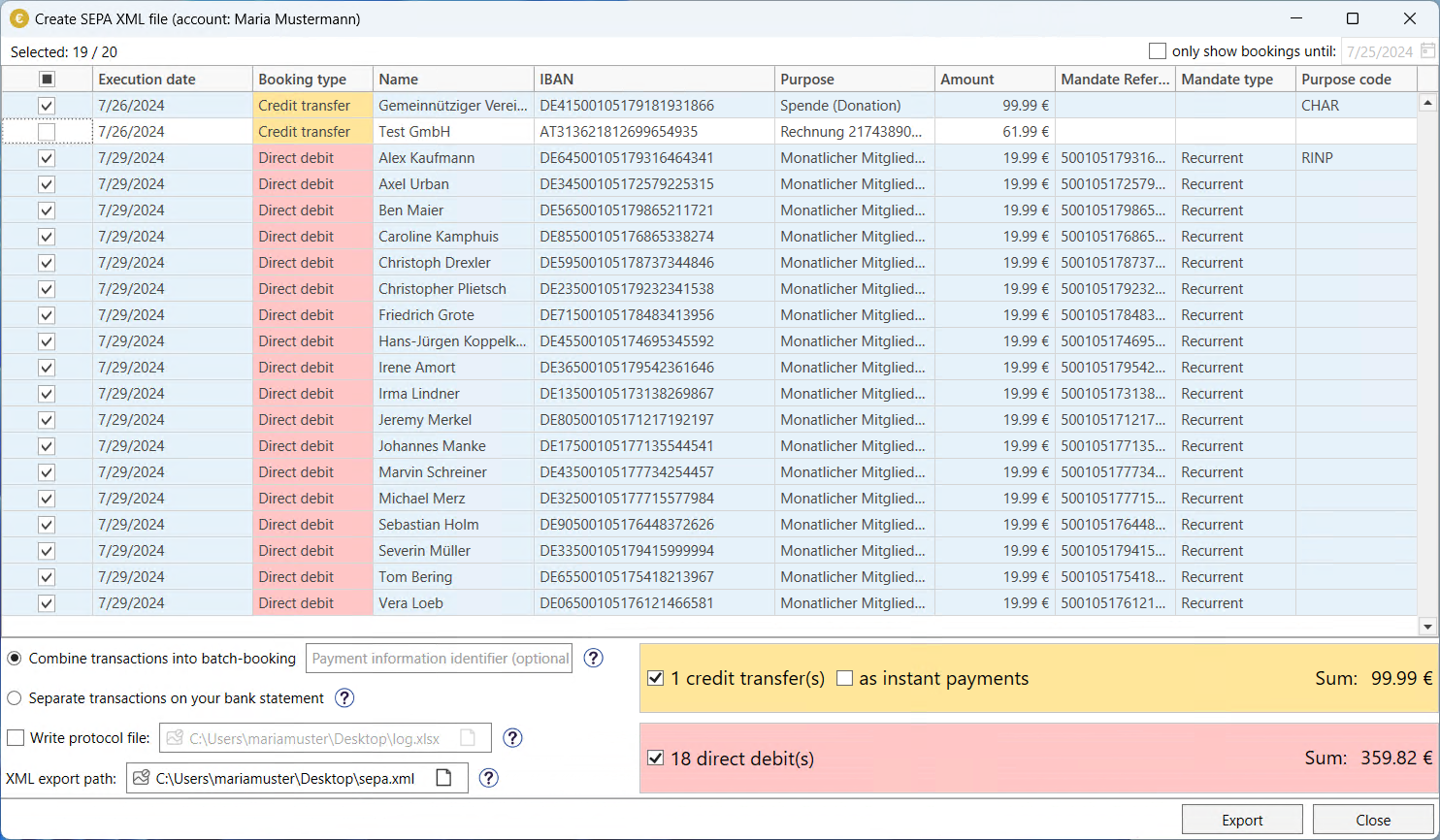
For more information on the “Create SEPA XML file” dialog, see Creating SEPA XML files.