File export / transfer
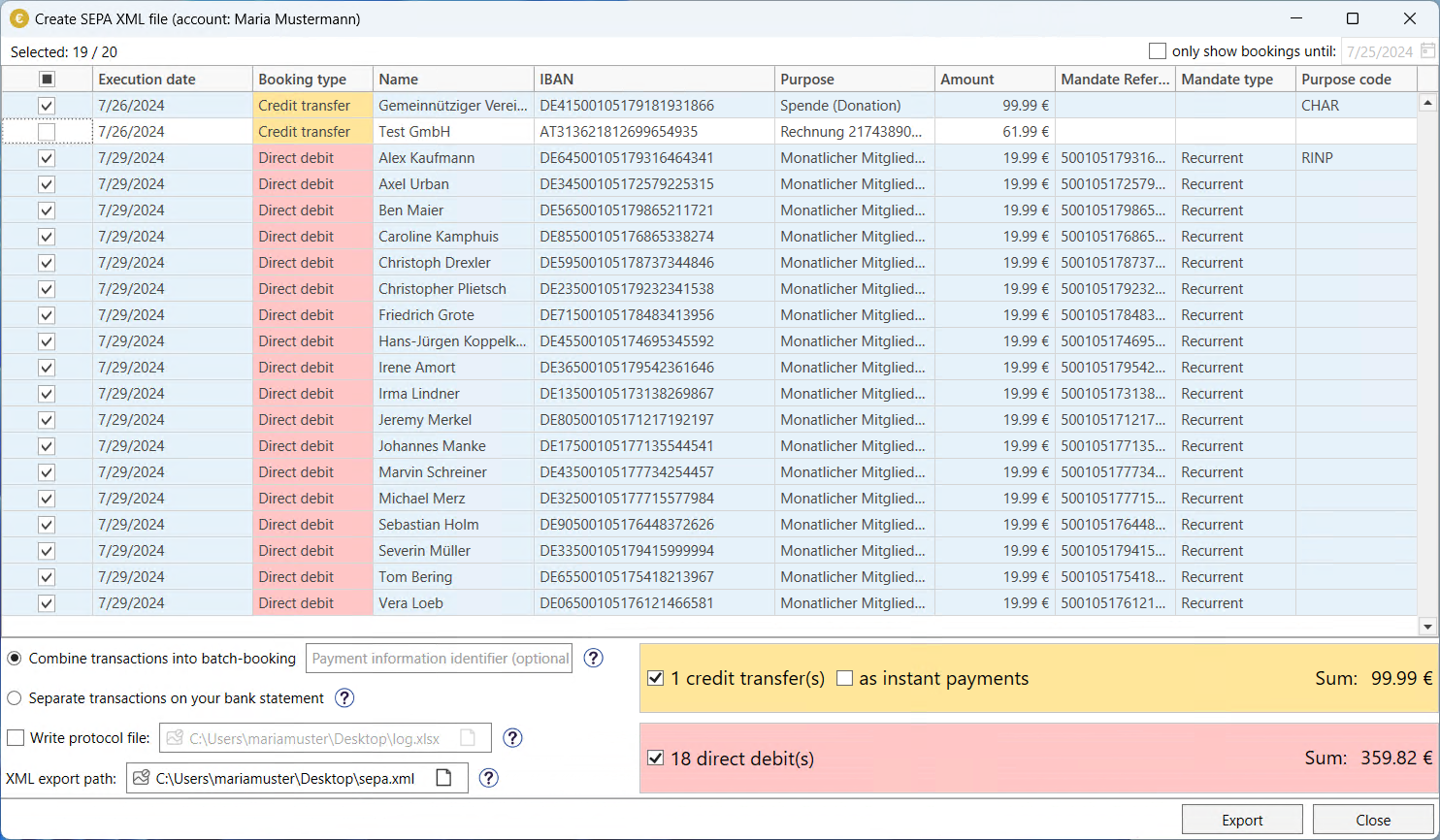
To create SEPA XML files or transfer bookings via online banking, the export window is displayed. The content varies slightly depending on the action to be carried out, but always lists the currently open bookings for the account currently selected in the main menu.
At the top right, you can filter the transactions by execution date. Below this, you can select individual transactions.
Further information on transferring transactions via OnlineBanking can be found under HBCI Transfer and further information on exporting XML files can be found under Creating SEPA Files.